
Model: IDX-2
Date: 2026-06-09
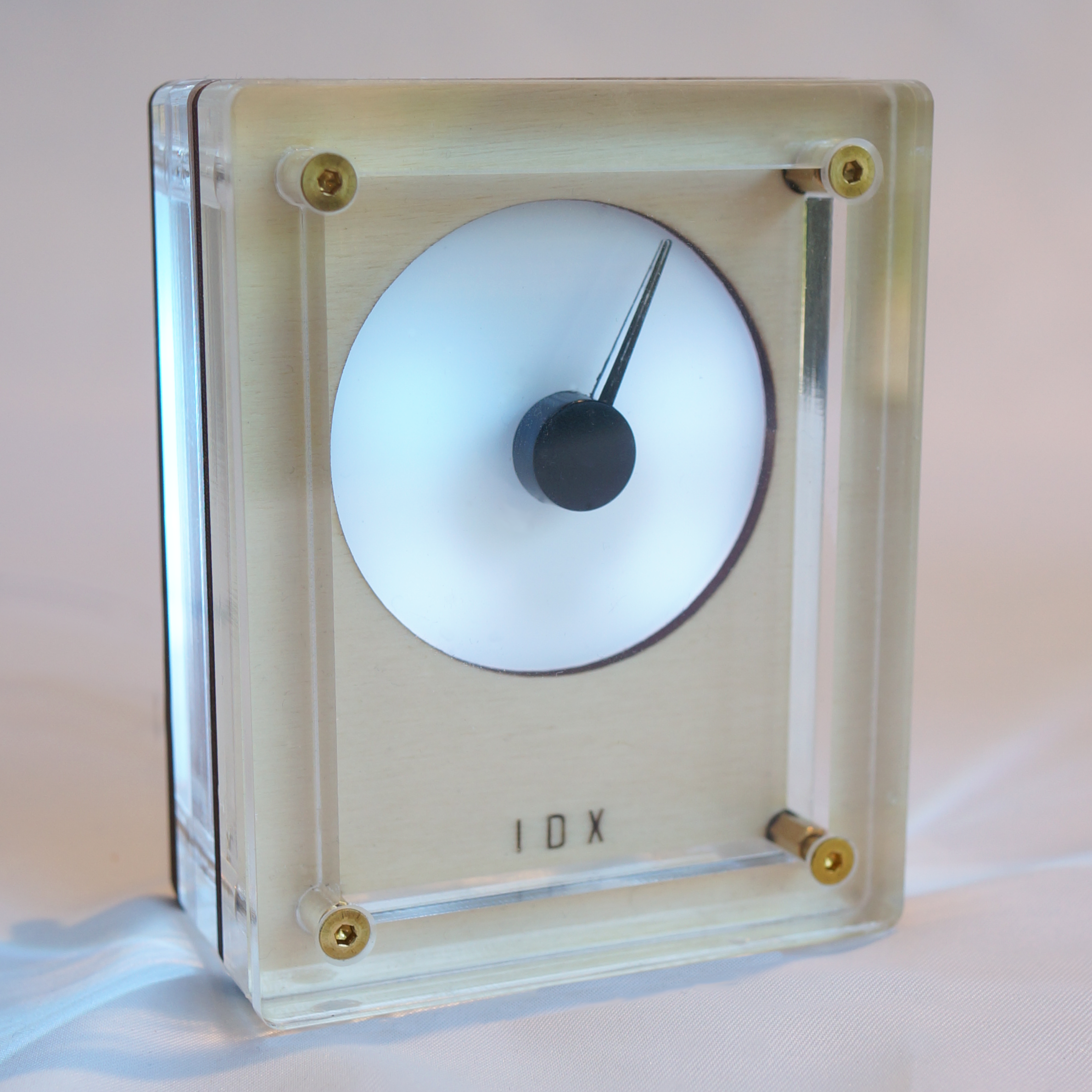
IDX-2 bridges the gap between the ephemeral nature of digital data and the tactile permanence of instrumentation. Whether tracking market volatility or environmental signals, you now have a physical anchor for your most important data.
We believe in open architecture.
Before powering the device for the first time, please note:
IDX-setup.http://192.168.4.1.analoguedeskco if challenged.IDX-2 will cycle through several phases indicated by color:
Access the internal dashboard via your web browser to customize your device.
Choose what data source IDX-2 references.
Each MODE provides a mapping from its value to a 0-1 range, which defines the position of the pointer. Default values are shown below.
| MODE | MIN VALUE | MID POINT | MAX VALUE | NOTES |
|---|---|---|---|---|
| Air Quality Index | 0 | 50 | 100 | Absolute AQI scale, based on your city location. |
| Alt.me Fear & Greed Index | 0 | 50 | 100 | Absolute sentiment index (0 = extreme fear, 100 = extreme greed). |
| CMC Crypto Tracker | -5% | 0% | +5% | Relative 24h price change; centre is no change. CMC API key required. |
| CMC Fear & Greed Index | 0 | 50 | 100 | Absolute sentiment index. CMC API key required. |
| Clock (12h) | 12.00 | 06.00 | 11.59 | Does not rotate like a clock; Sweeps through 180 degrees in 12h then returns to MIN |
| Clock (24h) | 10.00 | 12.00 | 23.59 | Does not rotate like a clock; Sweeps through 180 degrees in 24h then returns to MIN |
| Finnhub Stock Tracker | -5% | 0% | +5% | Relative 24h price change; centre is no change. |
| Home Assistant | 0 | 50 | 100 | Maps any numeric entity state from your local instance. For indoor temperature, choose range like 9-25C |
| Pomodoro Timer | 0 | 12m30s | 25m | Focus sweep toward task completion (counts down). Minutes. |
| Temperature | -10C | 15C | 40C | Maps a OpenMeteo temperature report for your city location. |
Once you understand how it moves, the dial is easy to read.
Firstly, by default, the pointer moves 180 degrees from pointing left, to up, to right. The bottom half of the dial is not used.
The rotation of the pointer is defined by a position value between 0 (MIN) and 1 (MAX):
The table above shows each mode's mapping.
You can also go to ADVANCED / DIAGNOSTICS / EVENT LOG in the UI to see the real-time value generated by the current mode.
We recommend long CYCLE DURATIONS (e.g., 600 seconds) for maximum calm.
| Theme | Effect |
|---|---|
| Static | A single unchanging colour of your choice. |
| Pulse | Slowly undulating; like breathing. |
| Glacial | Breathless whites and ice blues. |
| Aurora | Electromagnetic storms of green and blue. |
| Nebula | Deep space in blue and purple. |
| Sunset | Soothing end-of-day colours. |
| Sentiment | Red (left), Green (right). Best for market trackers. Colours can be adjusted. |
| Alert | White, until a threshold is reached, then red |
IDX-2 is built on an open architecture.
| Component | Function | ESP32-C3 Pin |
|---|---|---|
| Stepper Motor | Coil A (1) | GPIO 00 |
| Stepper Motor | Coil A (2) | GPIO 01 |
| Stepper Motor | Coil B (1) | GPIO 06 |
| Stepper Motor | Coil B (2) | GPIO 07 |
| RGB LEDs | Data | GPIO 08 |
| Button | Reset | GPIO 09 |
IDX-2 supports ESPHome as an alternative firmware, giving full control to Home Assistant.
The ESPHome configuration files required to build the firmware binary are available at github.com/analoguedeskco/esphome. Compile these using the ESPHome dashboard or CLI to produce a .bin, then flash via web.esphome.io
Once flashed, IDX-2 appears as a native Home Assistant device — the needle and LEDs are exposed as standard entities and can be driven by any HA automation.
To switch back to the stock firmware, contact support (see below).
Support: