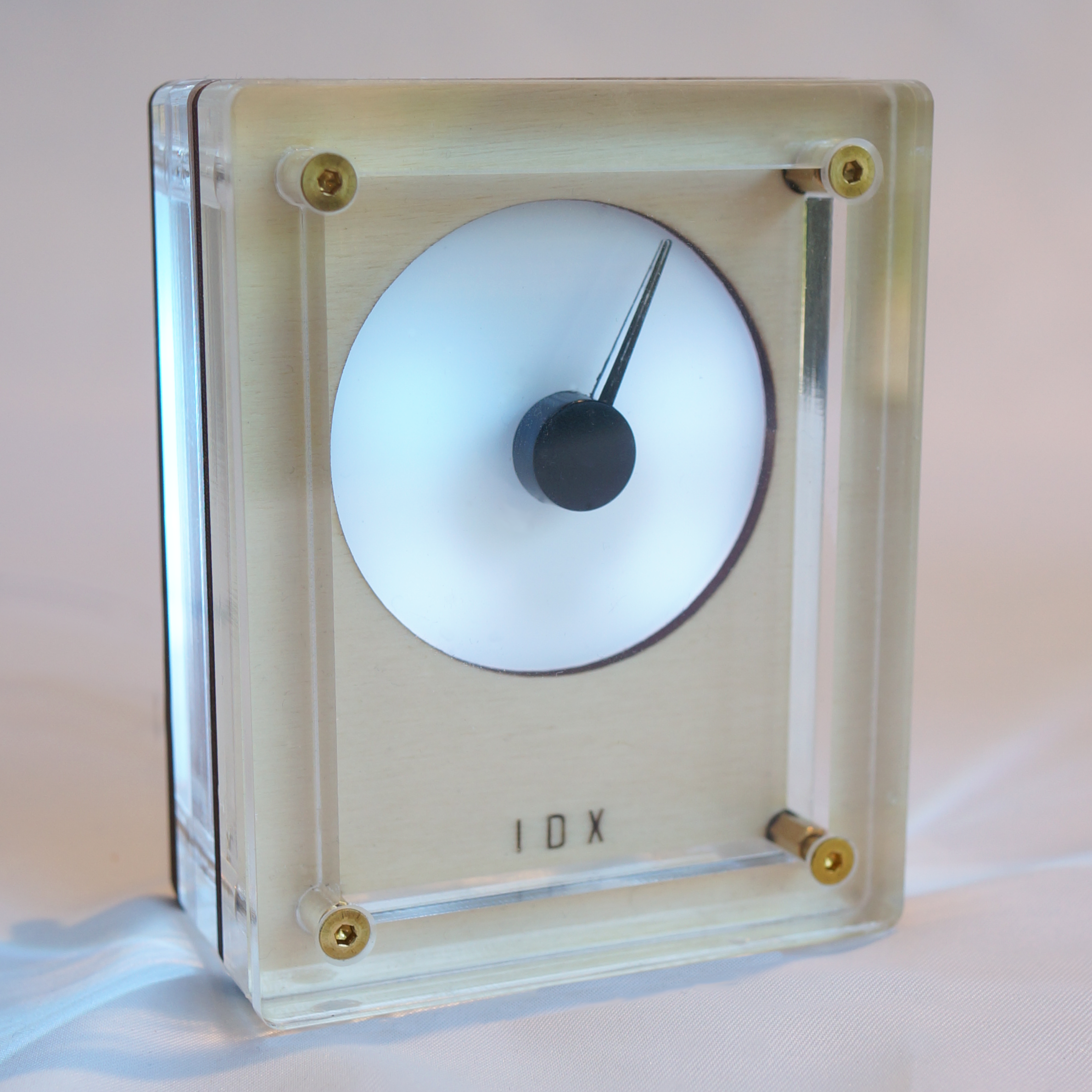
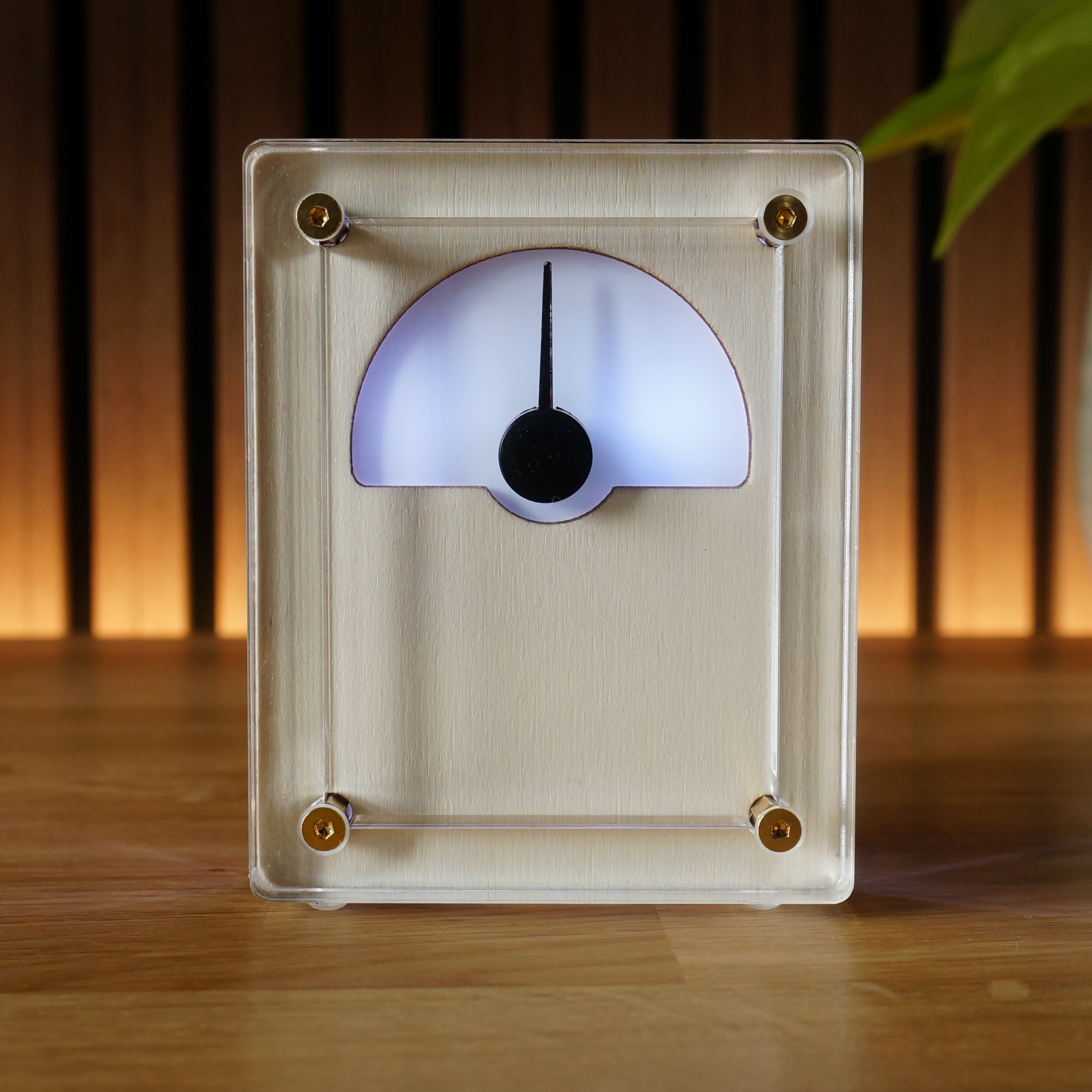
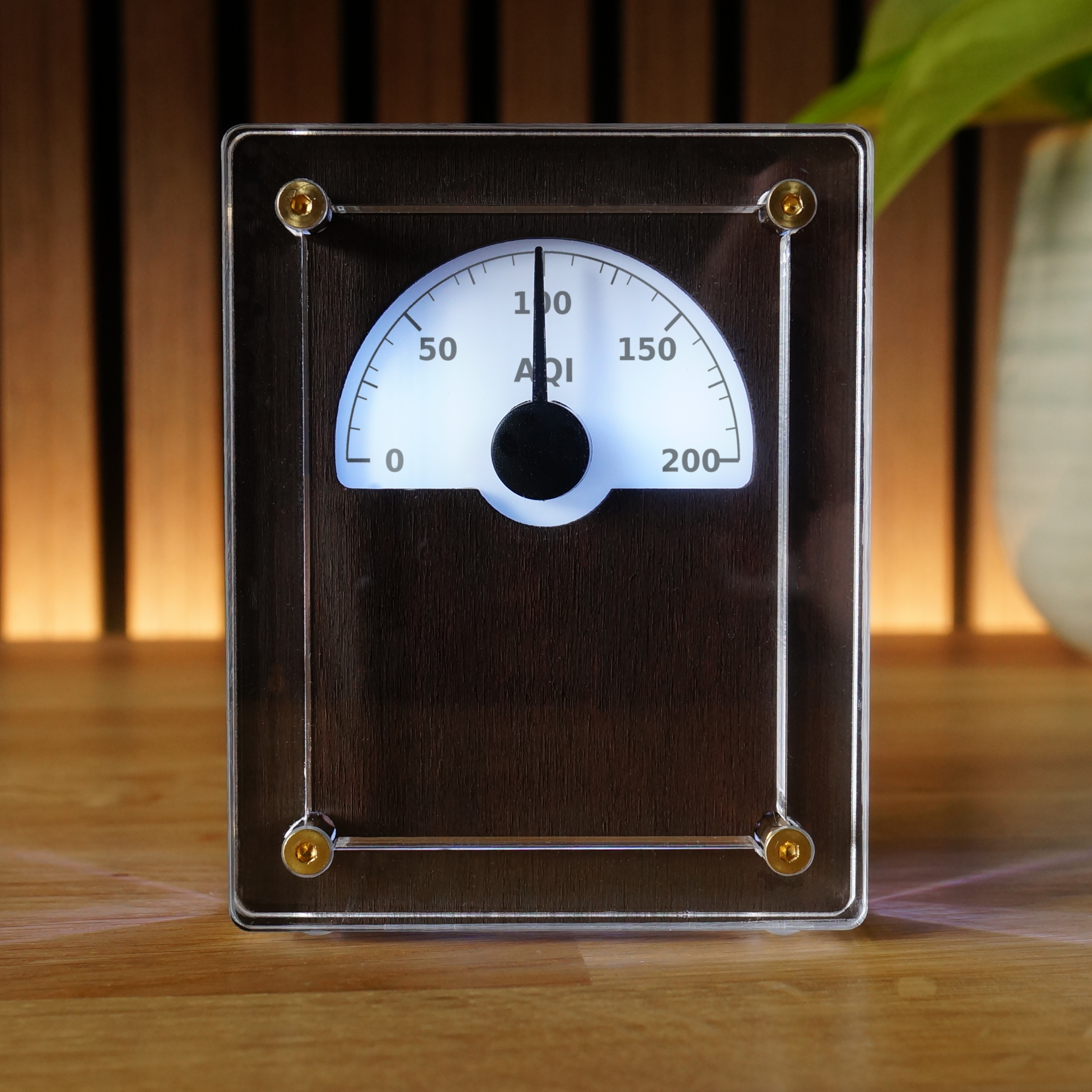
IDX-1
Batch 001 / Owner's Guide
Thank you for backing independent UK design.
Quick Start
1. Power up for the first time
Plug IDX-1 into a standard 5v USB-C power supply using the rear USB socket.
IDX-1 will glow white, then blue. This indicates it's ready for WiFi setup.
2. Connect to temporary WiFi access point
IDX-1 will create a temporary WiFi network for configuration.
On your phone or computer, join the WiFi network named
IDX-1-setup.
A window should open automatically. If not, visit
http://192.168.4.1 in your browser.
Use the password:
analoguedeskco
3. Configure WiFi
In the IDX-1 WiFi Setup page, once the Wifi Scanning has completed, select your SSID from the list and enter your WiFi password. Click Connect.
Once connected, IDX-1 will glow light blue, and the device's IP address will be displayed.
This address is used to access the IDX-1 Dashboard where you can configure the data source, ambient lighting and other settings.
Copy the address using the COPY button, and press FINISH SETUP.
The page will close as IDX-1 initializes.
4. Access IDX-1 Dashboard
Ensure your phone/computer is back on your main WiFi network.
Wait 30 seconds for IDX-1 to complete its initialisation.
Visit the copied IP address in your browser.
Backup Option: If the address is not found, locate IDX-1's assigned IP address using your router admin page or a network scanner (like Fing). Look for "IDX-1" or "Espressif". Enter it into a browser address bar.
5. Configure IDX-1
By default, IDX-1 is set to track the current time.
Select MODE to choose what data source IDX-1 should use.
Select AMBIENCE to adjust the lighting effect, including night mode.
View Full Digital Manual